
Statements (Coming Soon)
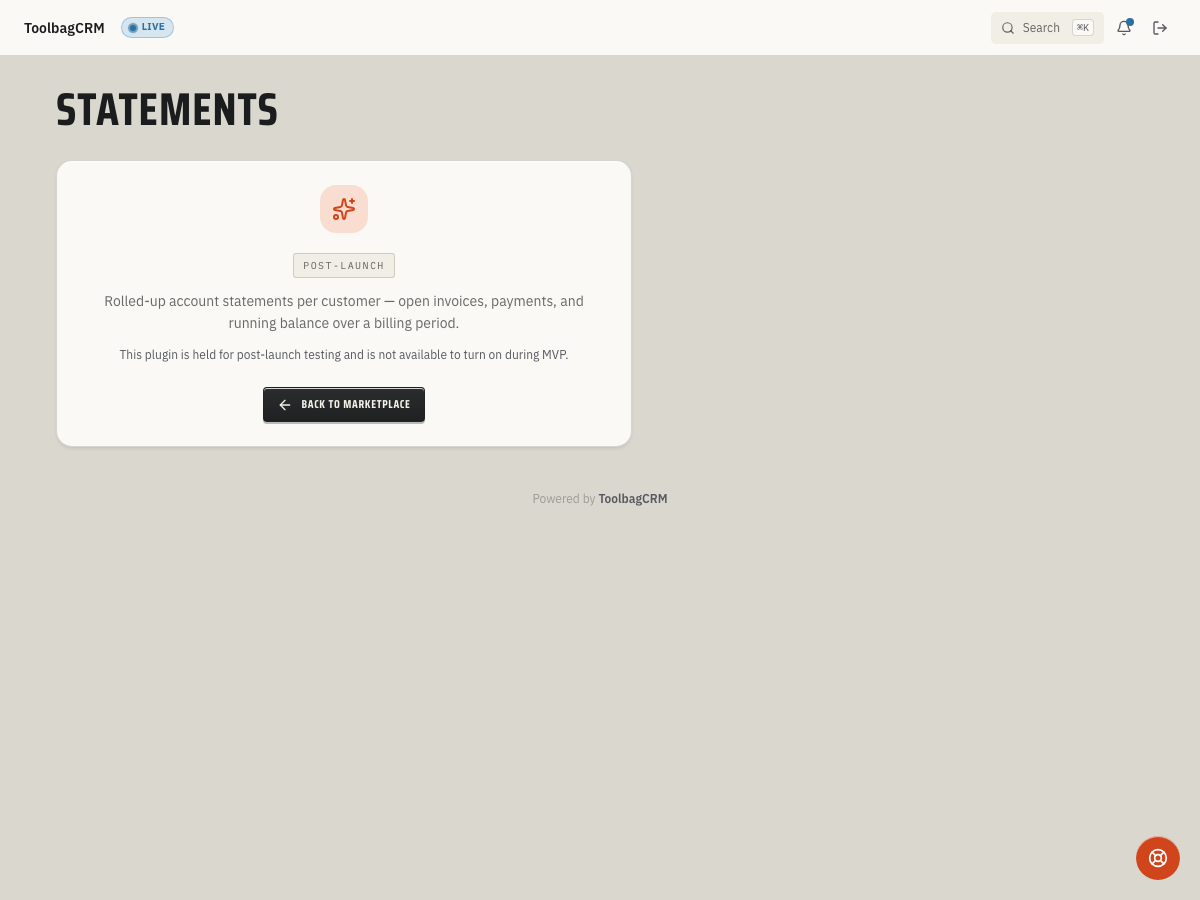
Coming Soon: Statements is in public preview and is not generally available yet. ToolbagCRM currently shows a preview placeholder instead of a finished statements workspace.
Statements will help billing teams send customers a rolled-up view of invoices, payments, credits, and open balances for a selected date range. It is intended for monthly account summaries, payment follow-up, and customers who prefer one account statement instead of checking each invoice individually.
When to use this
Use Statements when you need to:
- Summarize a customer's open invoices, payments, credits, and running balance in one place.
- Send monthly or quarterly account updates to customers with repeat work or multiple invoices.
- Review aging totals before following up on overdue balances.
- Generate an on-demand statement for a customer who asks, “What do I owe right now?”
Before you start
Statements depends on the customer, invoice, and payment records already in ToolbagCRM. Before rolling it out, make sure your team is consistently recording:
- Customers with accurate billing contacts and email addresses.
- Invoices for the work being billed.
- Payments and credits so account balances are current.
Because the feature is still marked Coming Soon, you may see the preview screen even if the plugin appears in the catalog. Use that state as an availability signal rather than a setup failure.
Planned workflow
When the full workspace is available, the Statements workflow is expected to center on these tasks:
- Open a customer's statement profile.
- Choose a frequency such as monthly, quarterly, on-demand, or disabled.
- Pick the day of the month to send recurring statements.
- Choose a delivery channel such as email, customer portal, mail, or email plus portal.
- Decide whether zero-balance customers should still receive statements.
- Generate a statement for a date range.
- Review statement lines such as opening balance, charges, payments, credits, refunds, late fees, and the running balance.
- Void a statement if it was generated in error.
What the statement includes
A generated statement is designed to include:
- Statement number and billing period.
- Opening balance, charges, payments, credits, and closing balance.
- Aging buckets for current, 31–60, 61–90, and over-90-day balances.
- Line-level activity with references, descriptions, debits, credits, and running balance.
Current availability
Accounts without the active Statements workspace will see a coming-soon placeholder. That means the help site should not show fabricated statement lists, saved profiles, or generated customer statements yet. The planned workflow includes statement profiles, generation, detail views, voiding, and aging rollups, but the customer-facing UI is not generally available.
Tips
- Keep invoice and payment entry current now so statements are accurate when the workspace is enabled.
- If a customer has no activity and no balance, a zero-balance statement may be skipped unless the profile is configured to include zero balances.
- Use aging totals as a follow-up aid, not as a replacement for reviewing the underlying invoices and payments.
Troubleshooting
I only see a coming-soon screen
That is the expected public-preview state right now. Check release notes or your account's feature availability before assuming something is broken.
A generated statement would be empty
A statement can be skipped when there is no period activity and the customer has a zero balance. Confirm the customer's invoices, payments, credits, and statement profile before trying again.