
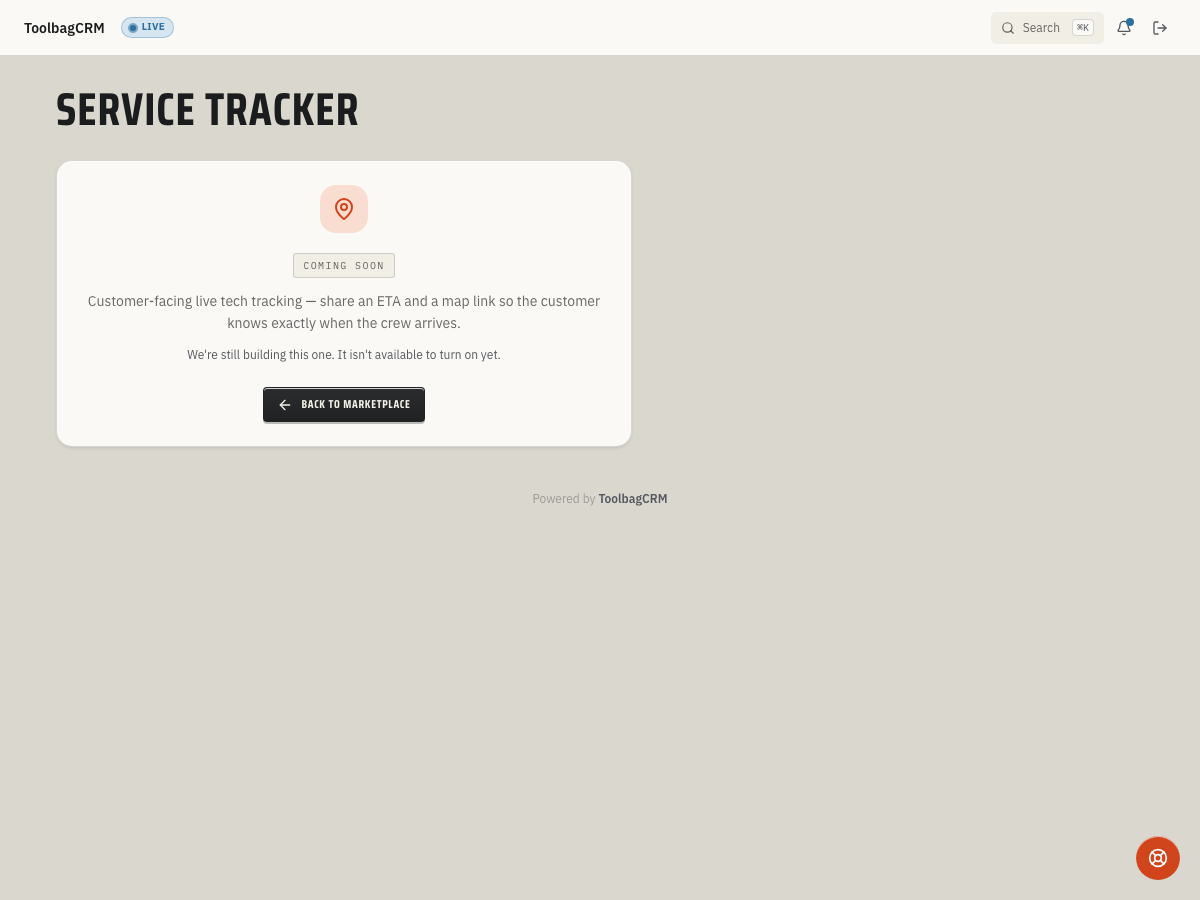
Service Tracker (Coming Soon)
Coming Soon: Service Tracker is being finished or tested and is not available to turn on yet. This guide describes the expected workflow and may change before release.
Service Tracker will give customers a live visit-status link so they can see when a technician is on the way, has arrived, or has finished the visit without calling the office.
When to use this
Use Service Tracker when your office wants a customer-facing status page for scheduled visits. The planned workflow is meant for dispatchers and technicians who need to share a safe tracking link instead of sending a stream of manual ETA texts.
The planned workflow includes creating a visit-tracking link, moving it through Pending Dispatch → En Route → Arrived → Completed, and hiding cancelled or invalid links from public view. Accounts without the active Service Tracker workspace will still see a coming-soon placeholder, so no active customer tracking page or dispatcher screen is available yet.
Before you start
- Confirm your account includes Service Tracker when the public workflow is released.
- Keep customer, job, team, and communications records current so tracking links can show the right visit context.
- Decide who is allowed to send customer tracking links and who can mark a technician as arrived or complete.
- Review the SMS wording your team wants customers to receive when a technician is on the way or has arrived.
Planned workflow
- Open the job or dispatch workflow that needs a customer tracking link.
- Create a Service Tracker link for the job, customer, and assigned technician.
- Send the customer the tracking link by SMS or your normal communication workflow.
- Mark the visit En Route when the technician is heading over.
- Mark the visit Arrived when the technician reaches the site.
- Mark the visit Completed after the work is finished, or cancel the link if the visit is rescheduled.
Customer experience
A customer should receive one link for the visit and use it to check the current status. The planned customer-facing states are:
- Pending Dispatch — the link exists, but the technician has not been sent yet.
- En Route — the technician is on the way.
- Arrived — the technician has reached the site.
- Completed — the visit is finished and the link should expire after the configured retention window.
- Cancelled — the public link should no longer be viewable.
Do not use Service Tracker as a substitute for emergency communication. If a customer needs immediate help, keep your normal phone or dispatch escalation process in place.
Rollout notes
The planned configuration includes a primary brand color, SMS templates for en-route and arrived messages, and a retention window for completed links. Treat those as rollout settings to review with your ToolbagCRM team before customer-facing use begins.
Because the active workspace is not available in customer accounts yet, use these rollout notes until the Service Tracker settings screen is visible in your account.
Tips
- Pilot the workflow with one dispatcher or crew before sending tracking links on every job.
- Keep SMS copy short and clear, especially if customers may receive it while driving or working.
- Train technicians on exactly when to mark Arrived and Completed so customers see accurate status.
- Use the coming-soon state honestly in customer-facing training until the active workflow is visible in your account.
Troubleshooting
The customer says the link does not work
Confirm the visit was not cancelled and that the customer is opening the latest link. Cancelled links and invalid tokens should return a not-found experience rather than exposing stale visit details.
The tracker still says pending
Make sure the visit has actually been dispatched. A created link starts in Pending Dispatch until someone marks the technician en route.
A completed visit is still visible
Check the configured completed-link lifetime. Completed links are expected to remain available only for the configured window so customers can briefly review the visit status without keeping old tracking pages around indefinitely.