
AI Receptionist (Idea)
Idea stage: AI Receptionist is a concept and is not available to turn on yet. This guide describes planned behavior and may change before release.
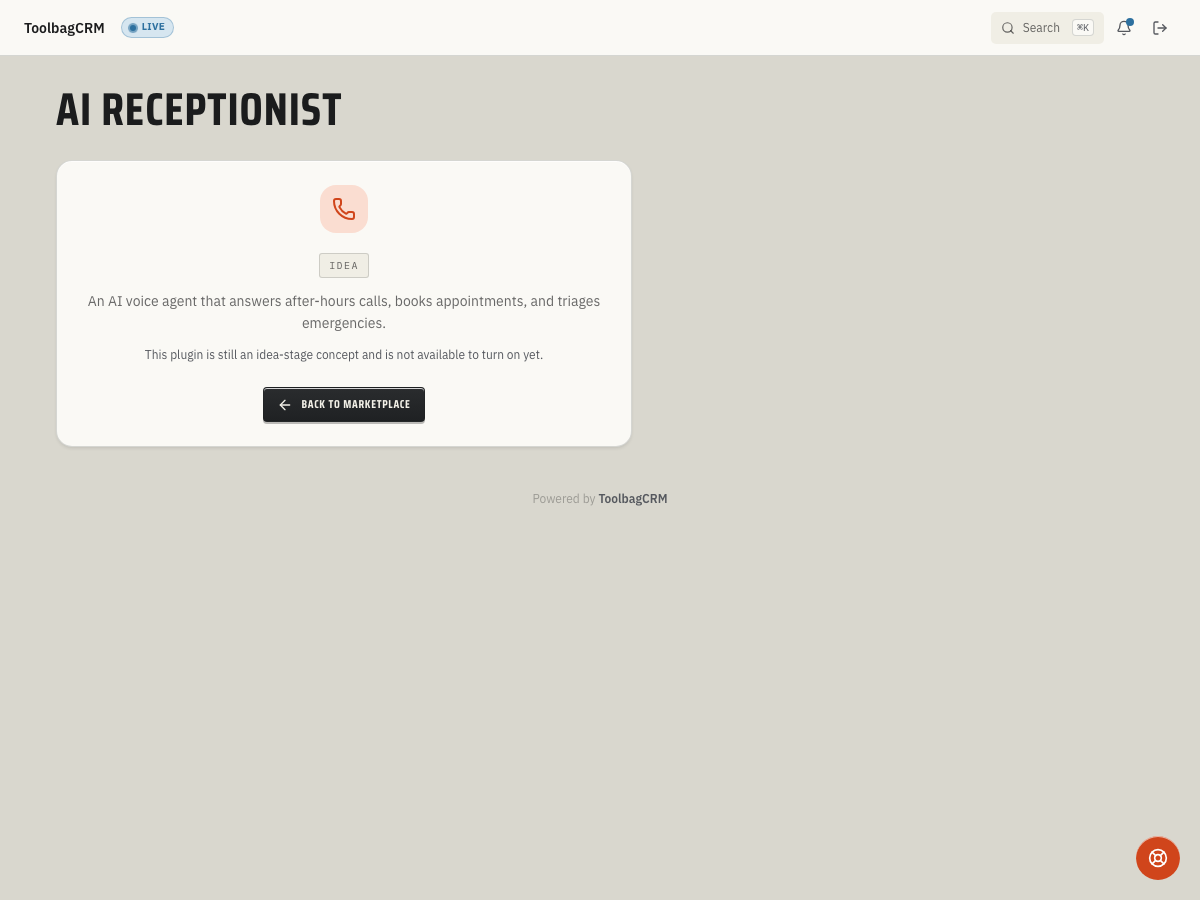
AI Receptionist is a planned voice agent that answers inbound calls after hours or when your office team is busy. It captures the caller's name, phone number, and reason for calling, then either books an appointment, takes a message, or transfers the call to a human — all without your staff picking up the phone.
When to use this
Use AI Receptionist when your field-service company misses calls during peak hours, after closing, or while technicians are on jobs and you want every inbound call handled without sending callers to voicemail.
Common scenarios:
- After-hours emergencies — a homeowner calls at 10 PM about a burst pipe and the AI captures the details, triages the urgency, and either books a next-morning slot or flags it for immediate follow-up.
- Peak scheduling windows — Monday morning call volume exceeds your office capacity and the AI handles routine booking requests while your staff focuses on complex jobs.
- Technician callbacks — customers call back about an open job and the AI pulls up context, takes a message, or routes them to the right person.
Before you start
- Confirm the plugin has moved out of Idea for your account.
- Open Settings → Features and make sure AI Receptionist is enabled once it becomes available.
- Decide which call outcomes should create jobs automatically versus taking a message for office review.
- Review your company's phone setup — the AI voice agent needs a connected business phone line to answer inbound calls.
Planned workflow
When the plugin becomes available, a typical setup will look like this:
- Prepare this step for rollout; AI Receptionist is not available to enable while it remains at the idea stage.
- Connect your business phone line so the AI agent can answer inbound calls.
- Configure which call outcomes trigger automatic actions — for example, a Booked outcome can create a job and link it to the caller's customer record.
- When a call comes in, the AI answers and captures the caller's name, phone number, and reason for calling.
- Based on the conversation, the AI assigns one of these outcomes:
| Outcome | What it means |
|---|---|
| Booked | The AI scheduled an appointment or job from the call. |
| Message Taken | The caller's request was recorded for office follow-up. |
| Transferred to Human | The AI handed the call to a live team member. |
| Hung Up | The caller disconnected before the conversation completed. |
| Not Answered | The call was not picked up by the AI agent. |
- After the call, review the transcript, recording, and outcome in the AI Receptionist call log.
- If the call created a job or customer, those records are automatically linked to the call entry for easy reference.
Call details
Each call record captures:
- Caller phone and called number — who called and which business line answered.
- Caller name and call reason — extracted from the AI conversation.
- Start time, end time, and duration — for reporting and SLA tracking.
- Outcome — booked, message taken, transferred, hung up, or not answered.
- Transcript — the full conversation log from the AI agent.
- Recording URL — audio recording of the call when available.
- Linked job and customer — automatically created records tied to the call.
Tips
- Start with after-hours coverage before expanding to peak-hour overflow — this lets your team build trust in the AI's booking accuracy.
- Review call transcripts weekly at first to spot patterns in caller requests and refine your triage rules.
- Keep your customer database clean so the AI can match returning callers to existing records.
- Set expectations with callers — the AI should identify itself as an automated assistant, not a human.
- Use the call outcome reports to track how many calls result in booked jobs versus messages versus transfers.
Troubleshooting
I only see an idea-stage screen
That is expected during the idea stage. AI Receptionist has a placeholder route while the active voice-agent setup, call log, and settings screens are not generally available yet.
Calls are not being answered by the AI
When the workflow becomes available, confirm the plugin is enabled, the business phone line is connected, and the number receiving calls is the same number configured for AI Receptionist. Until those setup steps are visible in ToolbagCRM, keep your normal phone coverage in place.
A call record is missing caller details
Caller phone is required for the planned call record. If the caller phone is blank or unavailable, record the call manually and add the customer or job context after office review.