
Solar Install (Idea)
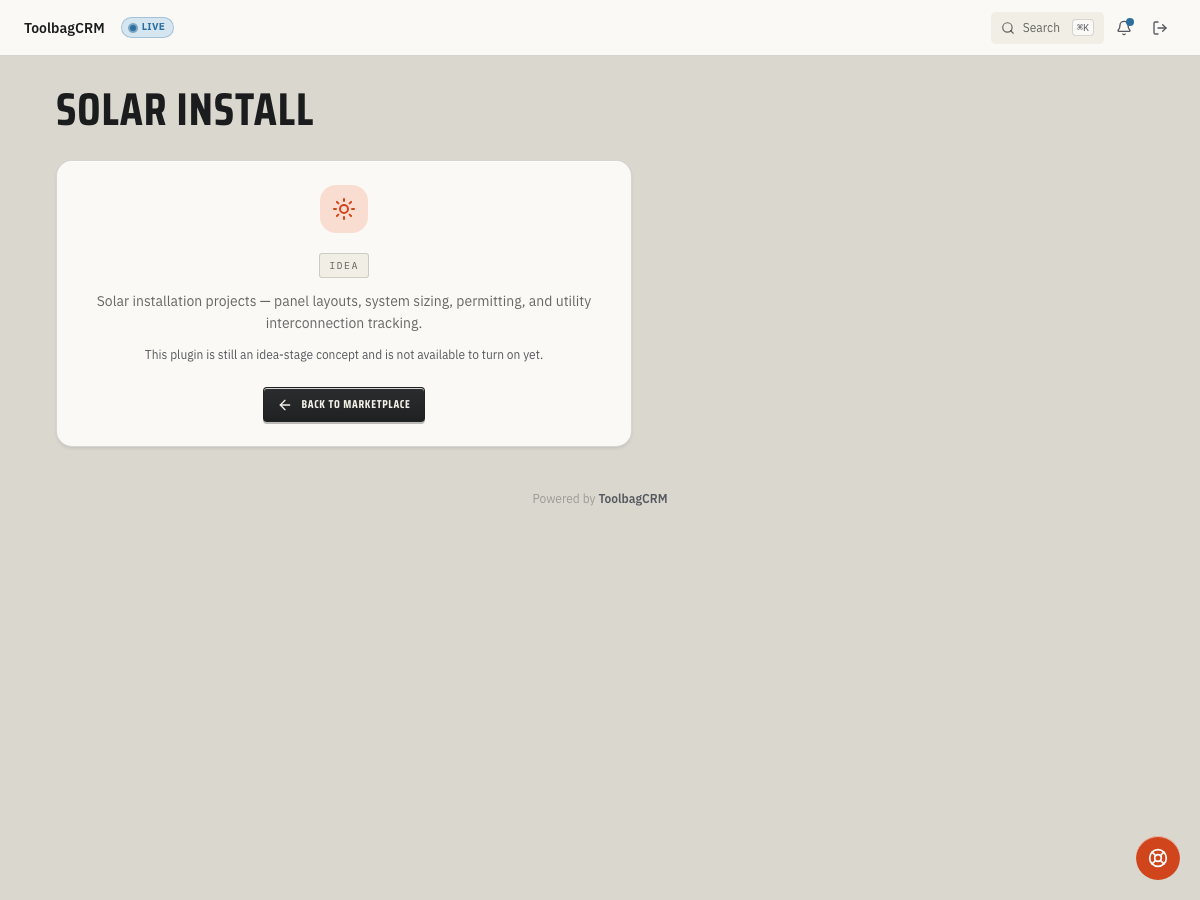
Idea stage: Solar Install is a concept and is not available to turn on yet. This guide describes planned behavior and may change before release.
Solar Install is planned to help solar contractors manage the full installation lifecycle — from system sizing and panel specs through PTO (permission to operate) and interconnection tracking — alongside the customer and job records your office already uses.
When to use this
Use Solar Install when your team needs to:
- Record panel count, wattage, and total system size in kW DC for each solar project.
- Track whether battery storage is included and its capacity in kWh.
- Note the panel orientation: roof-mounted, ground-mounted, carport, or other configuration.
- Store inverter model details for equipment reference and warranty lookup.
- Estimate annual energy production in kWh and projected dollar savings.
- Track the expected activation or PTO date so office and crew stay aligned on interconnection milestones.
- Keep solar-specific project data tied to the customer and job record for quoting, invoicing, and follow-up.
Before you start
- Confirm Solar Install is included in your ToolbagCRM plan.
- Prepare this step for rollout; Solar Install is not available to enable while it remains at the idea stage.
- Make sure Customers and Jobs are available on your account — Solar Install links each project to both records.
- Decide how your team names projects, such as by address, customer name, or job number.
Planned workflow
When the active Solar Install workspace is available, projects are expected to include:
- System specifications — panel count, wattage per panel, total system size in kW DC, and inverter model.
- Battery storage — whether a battery is included and its capacity in kWh.
- Orientation — roof, ground, carport, or other panel mounting configuration.
- Financial projections — estimated annual energy production in kWh and estimated annual savings in dollars.
- Timeline — expected activation or PTO date for utility interconnection tracking.
- Linked records — each project ties to a customer and job so quoting, invoicing, and service history stay connected.
Tips
- Start with one or two pilot projects to confirm the workflow matches your team's quoting and install process.
- Use the orientation field to help crews prepare for roof vs. ground-mount site conditions.
- Keep estimated savings conservative so customer expectations stay realistic during the sales process.
- Track PTO dates closely — utility interconnection delays are common and customers often ask for updates.
- Pair Solar Install with Job Checklists for pre-install and post-install inspection steps.
Troubleshooting
The page still shows Idea
Solar Install currently renders the idea-stage placeholder in ToolbagCRM. If you see the Idea screen, the feature has not been enabled for general customer use yet; keep using the core Customers, Jobs, Quotes, and Invoices workflows until the Solar Install workspace is released.
A project cannot be saved because the system size is missing or zero
The API validates that each project has a customer and a positive System size (kW DC) before it can be created. Enter the customer, job, and a system size greater than zero, then add optional details such as panel count, wattage, inverter model, battery capacity, estimated annual kWh, and expected activation date.
Panel orientation does not match the job layout
The planned orientation values are Roof, Ground, Carport, and Other. Use Other for mixed or unusual layouts and note the details in your job notes until a dedicated install notes field is available in the Solar Install workspace.