
AI Email Composer (Idea)
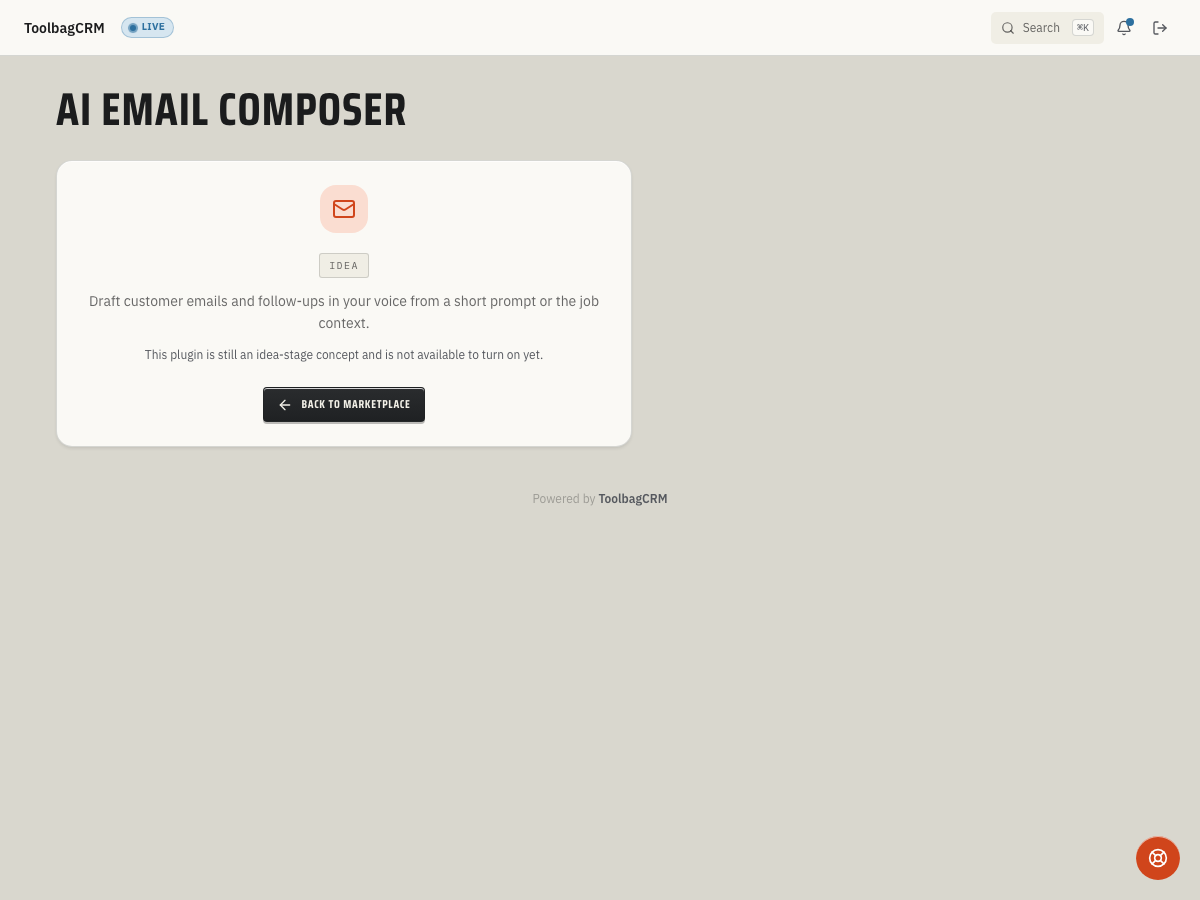
Idea stage: AI Email Composer is a concept and is not available to turn on yet. This guide describes planned behavior and may change before release.
AI Email Composer will help office staff draft customer follow-ups faster while keeping a human in control of the final message.
When to use this
Use AI Email Composer when you want ToolbagCRM to help turn a short prompt and customer/job context into a draft email your team can review, edit, and send.
Planned uses include:
- Follow-up emails after estimates, visits, or invoices.
- Clearer customer replies when a staff member knows the point but needs help wording it.
- Consistent tone for reminders, scheduling updates, and service summaries.
- Drafts that stay tied to the customer or job context that inspired them.
Before you start
- Treat the feature as idea stage until your ToolbagCRM account shows the full compose workflow.
- Decide who on your team should be allowed to create and approve AI-assisted customer messages.
- Prepare a few examples of your preferred customer tone so drafts can be reviewed against real office standards.
- Keep sensitive customer details in ToolbagCRM records instead of pasting private notes into unrelated tools.
Planned workflow
- Open the customer, job, or message context you want to reply from.
- Start an AI Email Composer draft.
- Enter a short prompt such as the outcome, next step, or question you need answered.
- Review the suggested subject and message body.
- Edit the draft so it matches your company voice and the actual customer situation.
- Approve or send the message only after a team member has reviewed it.
The planned workflow includes draft storage and an approval action for composed emails, but accounts without the active workspace still show the idea-stage placeholder. Do not assume active sending is available until the workflow appears in your account.
Review checklist for AI-drafted emails
Before sending an AI-assisted email, confirm:
- The customer name, job details, dates, and amounts are correct.
- The message does not promise discounts, arrival windows, warranty coverage, or approvals that your team has not confirmed.
- The tone sounds like your company, not a generic template.
- Any next step is specific: who will do what, and when.
- A team member remains responsible for the final customer communication.
Tips
- Start with low-risk messages, such as polite follow-ups or scheduling reminders, before using AI drafts for billing disputes or service issues.
- Keep final approval with trained office staff.
- Save examples of strong customer emails so your team can compare future drafts against them.
- Review AI-written messages more carefully when they mention prices, legal terms, guarantees, or safety issues.
Troubleshooting
I only see an idea-stage screen
That is expected during the idea stage. AI Email Composer has a placeholder route while the customer-facing compose screen is still being prepared.
I cannot find AI Email Composer in daily workflow pages
AI Email Composer is not available to enable while it remains at the idea stage. Use the current placeholder as an availability notice, not a setup prompt.
Should I use screenshots from another AI tool as examples?
No. Use only screenshots from ToolbagCRM once the actual compose workflow is available. Until then, document the idea-stage state instead of showing a fabricated draft.