
Certifications
Use Certifications to track professional credentials for your team and catch expirations before they create scheduling or compliance problems.
This is useful for trades that need licenses, safety cards, manufacturer authorizations, or role-specific credentials before a technician or subcontractor can do certain work.
Credential examples
The plugin is designed for records such as:
- EPA 608 cards
- Plumbing or electrical state licenses
- OSHA 10 or OSHA 30 cards
- Manufacturer certifications
- Driver's licenses
- Other employee or subcontractor credentials with issue and expiration dates
What you can track
Each certification record can include:
- Certification name
- Issuing authority
- Certificate number
- Holder type, such as employee or subcontractor
- Holder
- Issue date
- Expiration date
- Notes
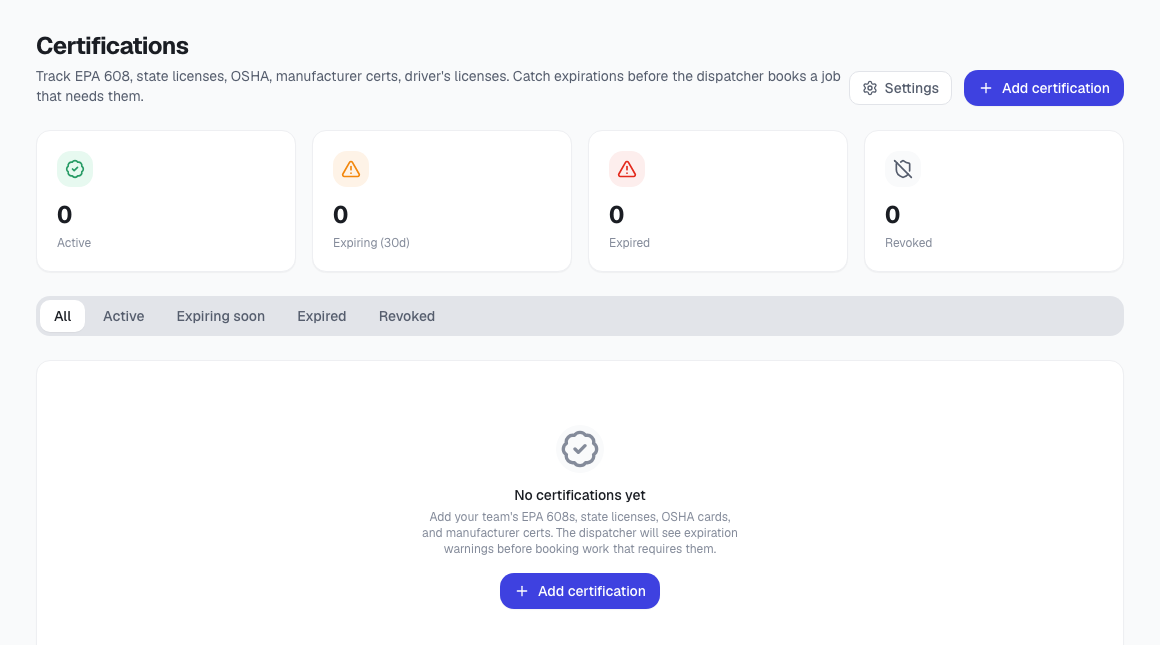
Status and expiration tracking
The Certifications page shows summary counts for:
- Active credentials
- Credentials expiring within 30 days
- Expired credentials
- Revoked credentials
You can filter the list by status, renew a certification with a new issue/expiration date, revoke a certification, edit details, or delete a record that should no longer be tracked.
Configure expiration warnings
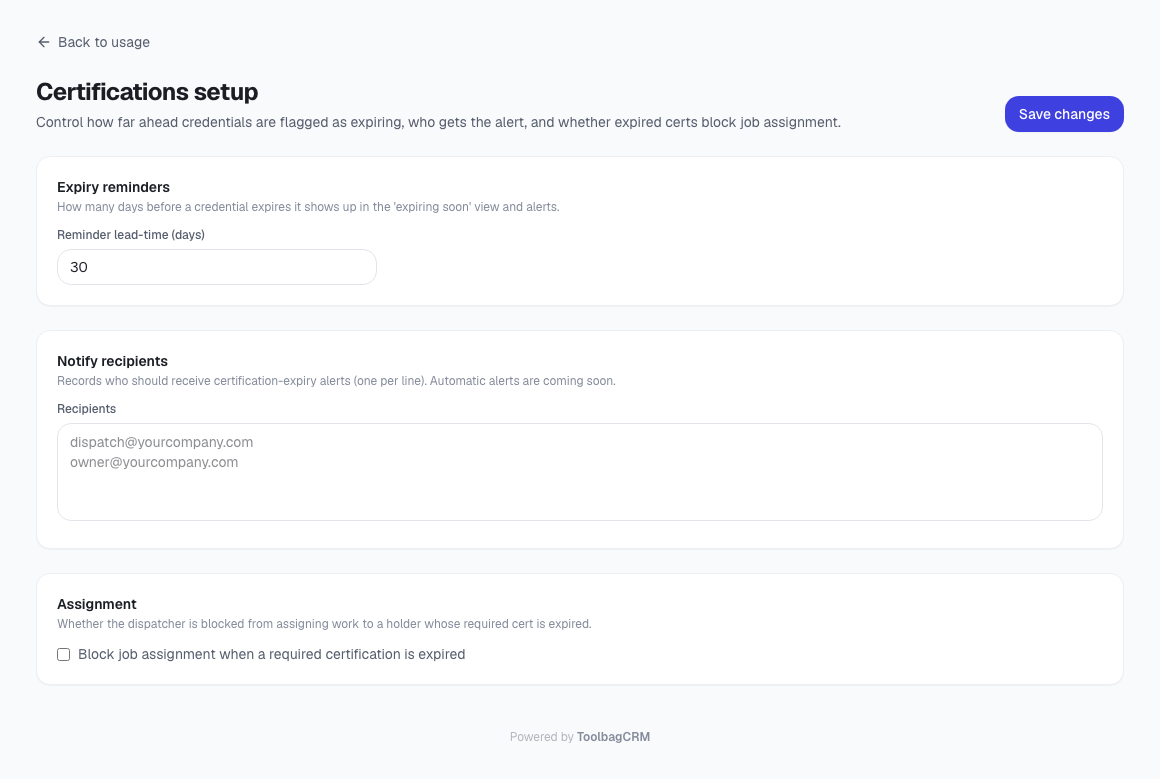
Use the Certifications setup page to decide how early credentials should be flagged as expiring and who should be notified.
Recommended workflow
- Enable Certifications from Settings → Features.
- Add each required credential for technicians and subcontractors.
- Review the Expiring (30d) count during dispatch or weekly admin review.
- Renew records when employees provide updated cards or licenses.
- Revoke a credential when someone is no longer allowed to use it, instead of deleting the history immediately.
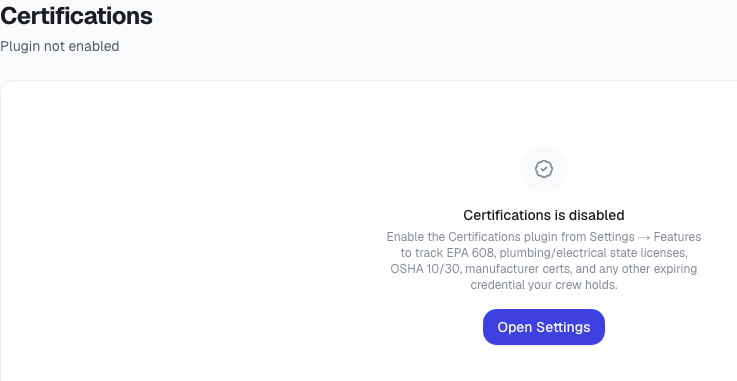
If the page says the plugin is disabled
Open Settings → Features and enable Certifications. The disabled-state message is useful for troubleshooting, but it is not the normal workflow once the plugin is turned on.
Current product notes
- Expiring soon means an active certification with 0–30 days remaining.
- Certifications can be associated with employees or subcontractors through their holder record.
- The plugin does not send external notifications by itself in the current implementation.