
Lien Waivers (Coming Soon)
Coming Soon: This plugin is a public preview and is not generally available yet. Accounts without the active Lien Waivers workspace will see a coming-soon placeholder, so this guide describes the planned waiver workflow until the drafting screen is available.
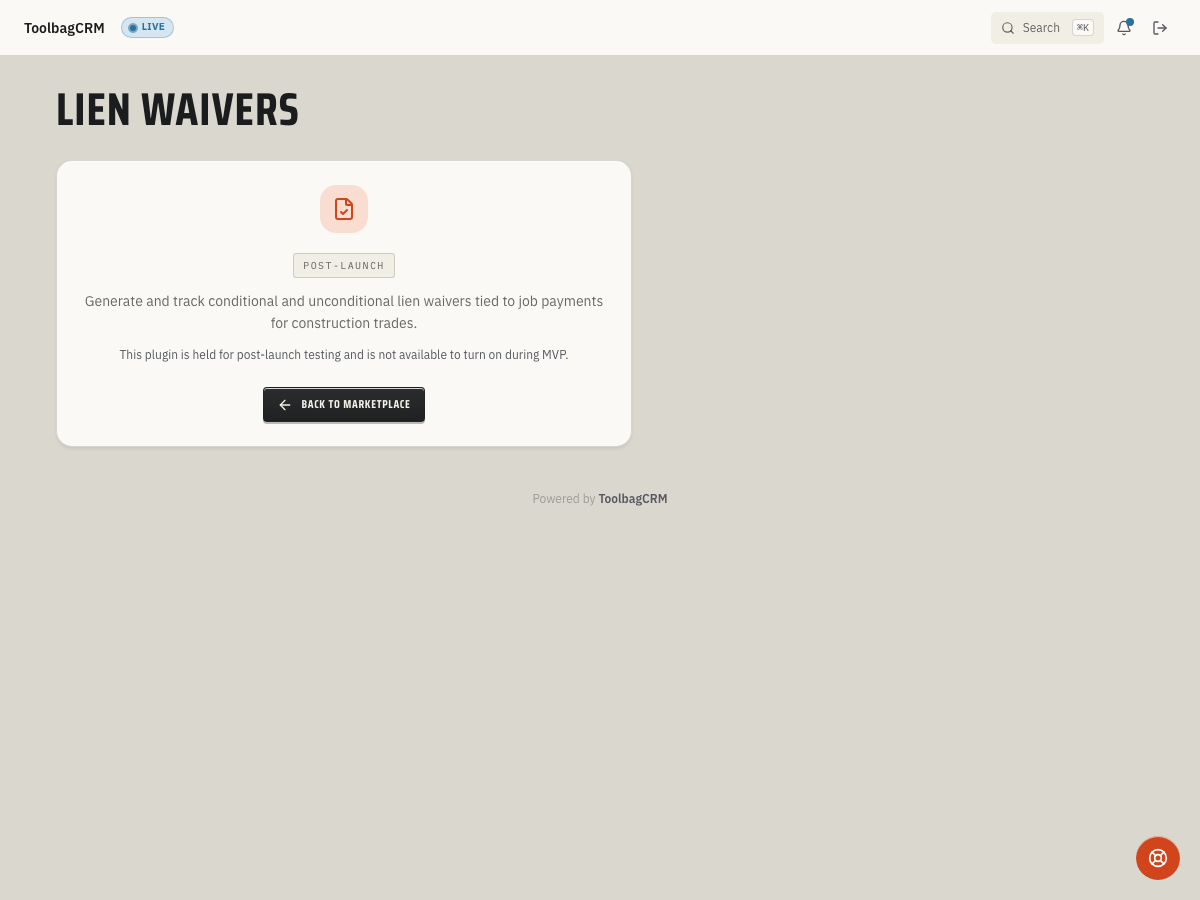
Lien Waivers will help construction and project-based teams prepare, issue, sign, and track conditional or unconditional lien waivers tied to jobs and payments.
Use this guide to understand the planned workflow and what your office can prepare before the plugin is generally available.
When to use this
Use Lien Waivers when your team needs a repeatable way to document payment-related waiver paperwork for construction, renovation, roofing, solar, or other project work where lien rights and payment releases must be tracked carefully.
The planned workflow is especially useful when you need to:
- Draft conditional partial, conditional final, unconditional partial, or unconditional final waivers.
- Tie waiver paperwork back to a customer, job, and optional payment.
- Track whether a waiver is still drafted, issued, signed, converted to unconditional, or voided.
- Record the covered-through date, amount waived, job value to date, retention amount, and any exceptions.
- Keep signer name, signer title, and void reasons visible for office review.
Before you start
Before rolling this out, decide how your office handles waiver paperwork today:
- Which jobs require lien waivers before or after payment.
- Which waiver types your state or trade commonly uses.
- Who is allowed to issue waiver paperwork to customers, owners, or general contractors.
- Who can sign on behalf of your company.
- How exceptions, retainage, and partial payments should be written before a waiver leaves the office.
Because this feature depends on job and payment records, make sure your jobs and payment tracking practices are consistent before relying on waiver history.
Planned workflow
The active ToolbagCRM workspace is not generally available yet, but the planned workflow covers the core waiver lifecycle:
- Draft the waiver from a job and customer record, with an optional related payment.
- Choose the waiver type: conditional partial, conditional final, unconditional partial, or unconditional final.
- Set the financial details, including amount waived, job value to date, retainage waived, and the date the waiver covers through.
- Add exceptions when some work, retainage, change order, or disputed amount should not be released.
- Issue the waiver when it is ready to send or present for signature.
- Record the signature with signer name and title after the executed paperwork comes back.
- Convert to unconditional when the workflow requires a signed conditional waiver to become unconditional after payment clears.
- Void with a reason if the waiver was created in error or should no longer be used.
Do not treat the coming-soon screen as a finished drafting experience. Until the full UI ships, keep using your current waiver form and filing process.
What to prepare now
To make the rollout smoother, gather a small office checklist:
- Your preferred waiver forms or state-specific language.
- The job stages where waiver paperwork is normally requested.
- Approval rules for issuing final or unconditional waivers.
- A naming convention for exceptions and retainage notes.
- A process for attaching signed copies back to the job record once document storage is enabled for your account.
Tips
- Start with one project type or office workflow before rolling lien waivers out across every job.
- Keep permissions tight for issuing and voiding waivers.
- Do not issue unconditional waivers until your office has confirmed the payment status and release rules.
- Use clear exception notes so partial payments, retainage, and disputed work are understandable later.
Troubleshooting
I only see the coming-soon screen
That is expected while Lien Waivers is in public preview. Your account will show the preview page until the customer-facing drafting workspace and settings page are enabled.
A draft cannot be created after rollout
Make sure the waiver is tied to a real customer and job before drafting it. ToolbagCRM validates those parent records, and the planned workflow also expects a waiver type, covered-through date, amount waived, job value to date, and retention amount.
Signing or voiding fails after rollout
Use a signer name when recording a signature and enter a reason when voiding a waiver. ToolbagCRM validates both actions so the waiver history remains understandable later.
I need lien waivers before the plugin is available
Continue using your current legal or office-approved waiver forms. Track the related job, payment, signer, through date, and exceptions in your existing notes or documents so the information can be migrated or referenced later.
Can ToolbagCRM tell me which waiver form is legally correct?
No. Lien waiver rules vary by state, contract, and project role. Treat ToolbagCRM as a tracking and workflow aid, and confirm waiver language with your legal or compliance advisor before sending it.