
Roofing (Idea)
Idea stage: Roofing is a concept and is not available to turn on yet. This guide describes planned behavior and may change before release.
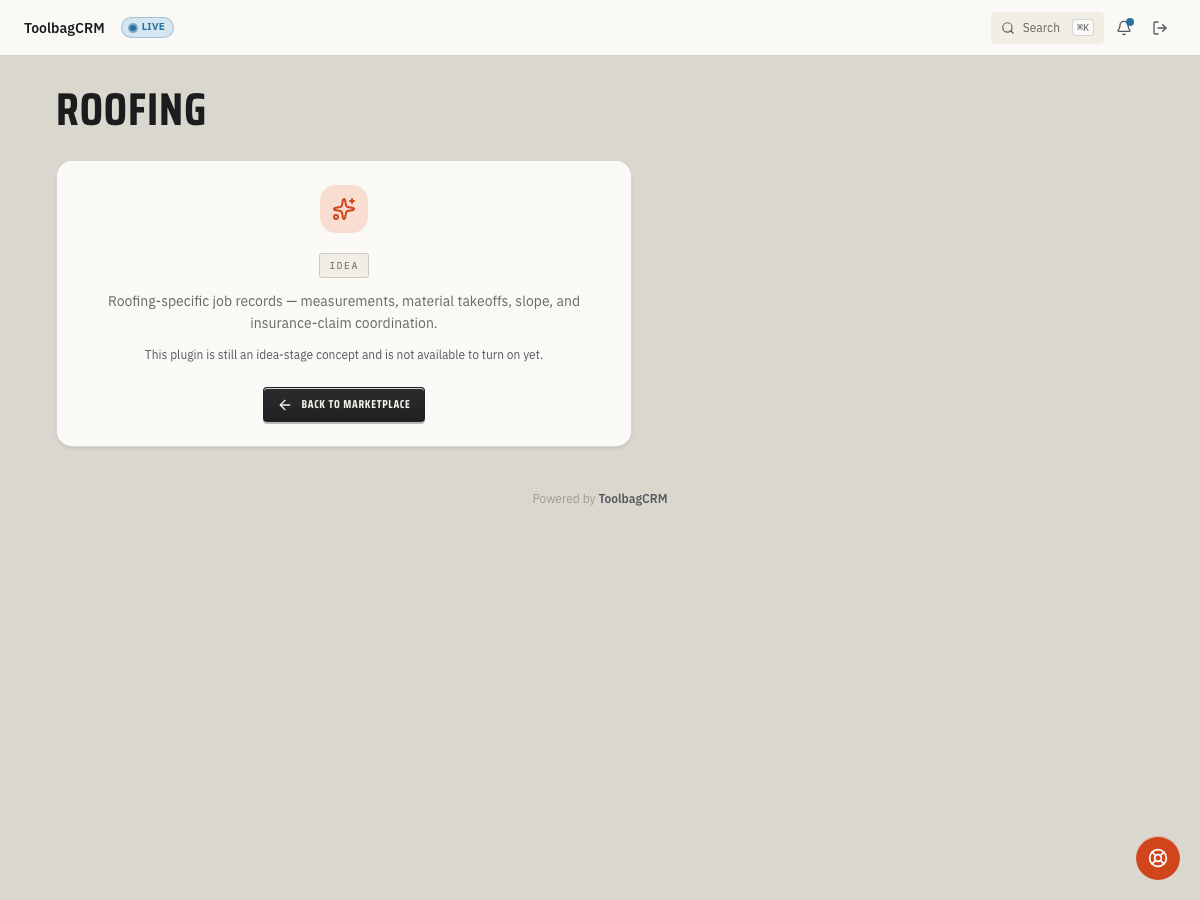
Roofing will help roofing teams keep roof measurements, material takeoffs, inspection notes, and job-specific coordination connected to the customer and job record.
Accounts without the active Roofing workspace will see an idea-stage placeholder. The planned Roofing workflow includes recording roof inspections, but the active customer-facing Roofing workspace and settings screen are not available yet.
When to use this
Use Roofing when your team needs a roof-specific job workflow for:
- Recording roof material, approximate squares, pitch, roof age, and inspection outcome.
- Keeping roof findings tied to the right customer and job.
- Coordinating measurements and takeoffs before a quote, insurance supplement, or production handoff.
- Separating roof-specific details from general job notes so they are easier to review later.
Until the full workspace ships, keep active roofing production details in the normal Customers, Jobs, Quotes, Documents & Photos, and Weather workflows.
Before you start
- Make sure customer and job records are clean enough to anchor future roofing inspections.
- Decide which roof details your team needs consistently: material, age, pitch, approximate squares, condition, photos, and replacement recommendation.
- Keep measurement files, inspection photos, insurance paperwork, and supplement notes attached to the customer or job record for now.
- Watch the plugin catalog for the move from idea stage to an enabled workspace.
Planned workflow
When the Roofing workspace is available, expect the workflow to center on job-linked roof inspections:
- Open the Roofing workspace from the main navigation.
- Start an inspection for a customer and job.
- Record roof material, approximate squares, pitch, age, inspection findings, and verdict.
- Attach or reference photos and takeoff files from the related job/document workflow.
- Use the saved inspection details during quoting, production planning, insurance follow-up, or replacement recommendations.
The planned inspection model includes material choices such as asphalt shingle, metal, tile, slate, TPO, EPDM, and other, plus verdicts for pass, minor issues, major issues, and replacement recommended. Treat those as preview details until the public UI is available.
What to prepare now
- Standardize how estimators describe roof condition and pitch in job notes.
- Save roof photos in Documents & Photos with clear categories or filenames.
- Keep insurance claim numbers, adjuster notes, and supplement details on the job until a dedicated roofing workflow is released.
- Confirm your team has permission to use related workflows such as customers, jobs, quotes, documents, and weather.
Tips
- Record inspections close to the visit date — the Inspected At timestamp defaults to the current date/time, so logging in the field keeps the record accurate.
- Enter Squares Approx and Pitch Over 12 even as rough numbers. They are optional fields, but having them on the inspection saves an estimator from re-measuring later.
- Choose the correct Material from the supported list: asphalt shingle, metal, tile, slate, TPO, EPDM, or other. The material value is required for every inspection.
- Use the Verdict honestly — Pass, Minor Issues, Major Issues, or Replace Recommended — because the verdict drives downstream quoting and production decisions.
- Attach roof photos to the related job's Documents & Photos area until the Roofing workspace manages its own photo folder. Keeping photos near the job record avoids split filing.
- Each inspection requires both a Job ID and Customer ID. Make sure the job and customer records exist before recording an inspection, or the API will reject the request.
Troubleshooting
I only see an idea-stage screen
That is expected while Roofing is still at the idea stage. Your account will show the placeholder state until the full Roofing workspace is generally available.
I need to track roof inspections today
Use job notes, documents/photos, and quote line items as the temporary workflow. Avoid creating duplicate customer or job records just to hold roof details.
I cannot find a Roofing settings page
The active Roofing settings page is not available in customer workspaces yet. This guide will be updated when ToolbagCRM exposes setup controls.