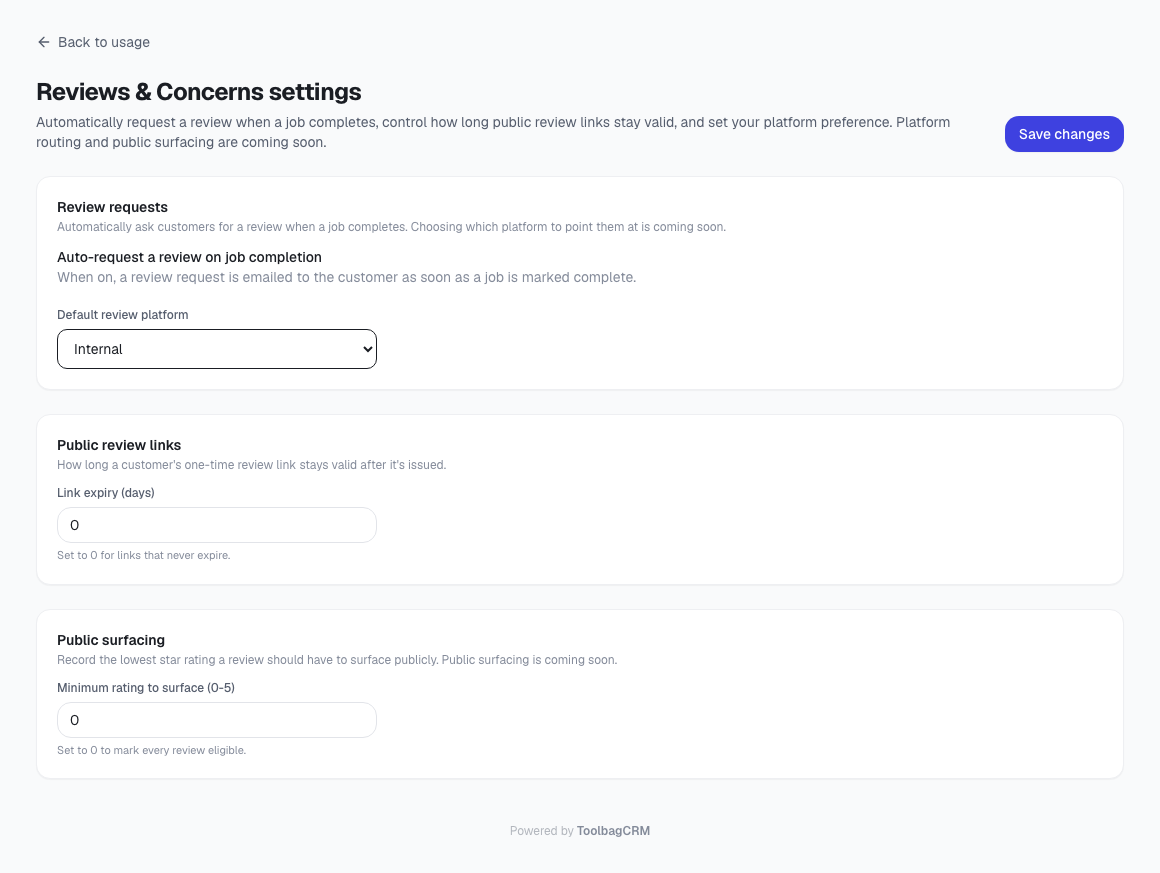
Reviews & Concerns
Use Reviews & Concerns to keep job feedback in one place: customer reviews after completed work and internal notes about issues your team needs to follow up on.
This guide is for contractors and home-service teams that want a simple way to see what customers are saying, spot unresolved service problems, and keep feedback connected to the job where it happened.
What Reviews & Concerns tracks
Each feedback item is tied to a job and customer. ToolbagCRM can store:
- Feedback type: Review or Concern
- Customer rating for reviews, from 1 to 5 stars
- Feedback notes or concern details
- Who submitted it, when that information is available
- Whether an internal concern has been resolved
- The job and customer the feedback belongs to
Reviews and concerns can be viewed from the dedicated Reviews & Concerns page, and job-specific feedback appears inside the job detail view when the plugin is enabled.
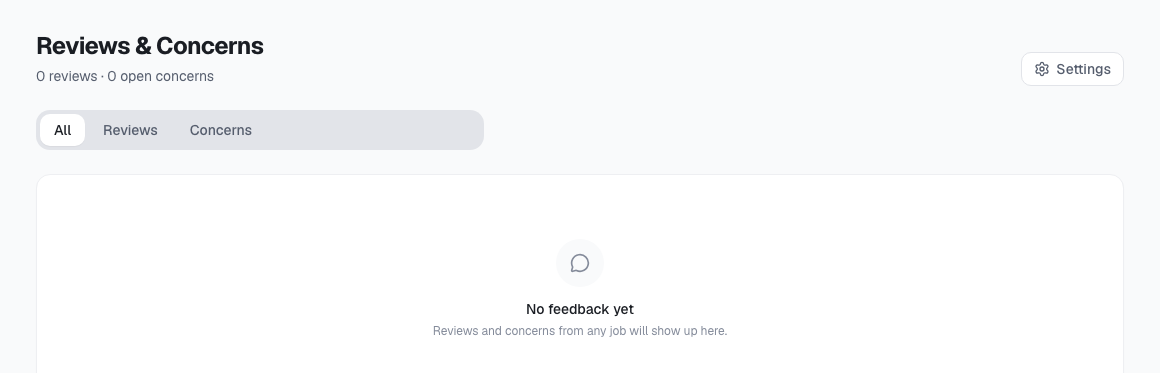
Reviews
Reviews are customer-facing feedback attached to a completed job. A submitted review can include a star rating and written comments.
Use reviews to:
- See customer sentiment without leaving the job record.
- Understand which jobs produced strong customer feedback.
- Keep positive and negative comments connected to the work your team performed.
- Review recent customer feedback from one central page.
Review requests use a one-time public review link behind the scenes. Once the customer submits the review, it appears in ToolbagCRM. Unsubmitted review requests are hidden from the normal feedback list so your team only sees feedback that has actually been sent in.
Concerns
Concerns are internal notes for problems, questions, or follow-up items your team notices during or after a job. They are not customer reviews and do not carry a star rating.
Use concerns to record items such as:
- A customer mentioned a billing question that needs office follow-up.
- A technician noticed an unresolved issue before leaving the site.
- A job had a communication problem that should be reviewed.
- The office needs to track whether a service recovery item was handled.
Open concerns can be marked resolved once your team has followed up.
Where to find feedback
From the main page
Open Reviews & Concerns from the main navigation to see feedback across your account.
The page shows:
- Total submitted reviews
- Open concerns
- Tabs for All, Reviews, and Concerns
- A row for each feedback item with the job, customer, date, and status
- A Mark resolved action for open concerns
From a job
Open a job detail page and look for the Reviews & Concerns panel.
From the job panel, you can:
- View reviews and concerns for that specific job.
- Filter the job feedback by all items, reviews, or concerns.
- Add a new internal concern for that job.
- Mark an open concern resolved.
Recommended workflow
- Enable Reviews & Concerns from Settings → Features if it is available on your plan.
- Review the Reviews & Concerns page during daily or weekly office review.
- Open urgent concern rows and follow the linked job/customer context.
- Mark concerns resolved after the follow-up is complete.
- Use reviews to spot service patterns, training opportunities, and jobs worth celebrating with the team.
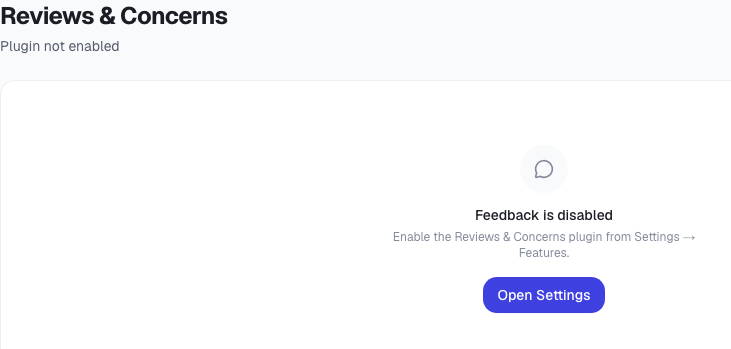
If the page says the plugin is disabled
Open Settings → Features and enable Reviews & Concerns. Keep disabled-state screenshots cropped to the message/action card so they support troubleshooting without becoming the main visual for the page.
Current product notes
- The plugin depends on Jobs, because each feedback item belongs to a job.
- The job detail panel currently supports logging internal concerns directly from the job.
- Submitted reviews appear in the feedback list; unsubmitted review-request placeholders are hidden.
- Concerns are internal team records. They are not sent to customers from this plugin page.
- Reviews & Concerns is separate from the broader Reviews & Reputation marketplace capability, which focuses on tracking third-party review requests and platforms.