
AI Smart Notes (Idea)
Idea stage: AI Smart Notes is a concept and is not available to turn on yet. This guide describes planned behavior and may change before release.
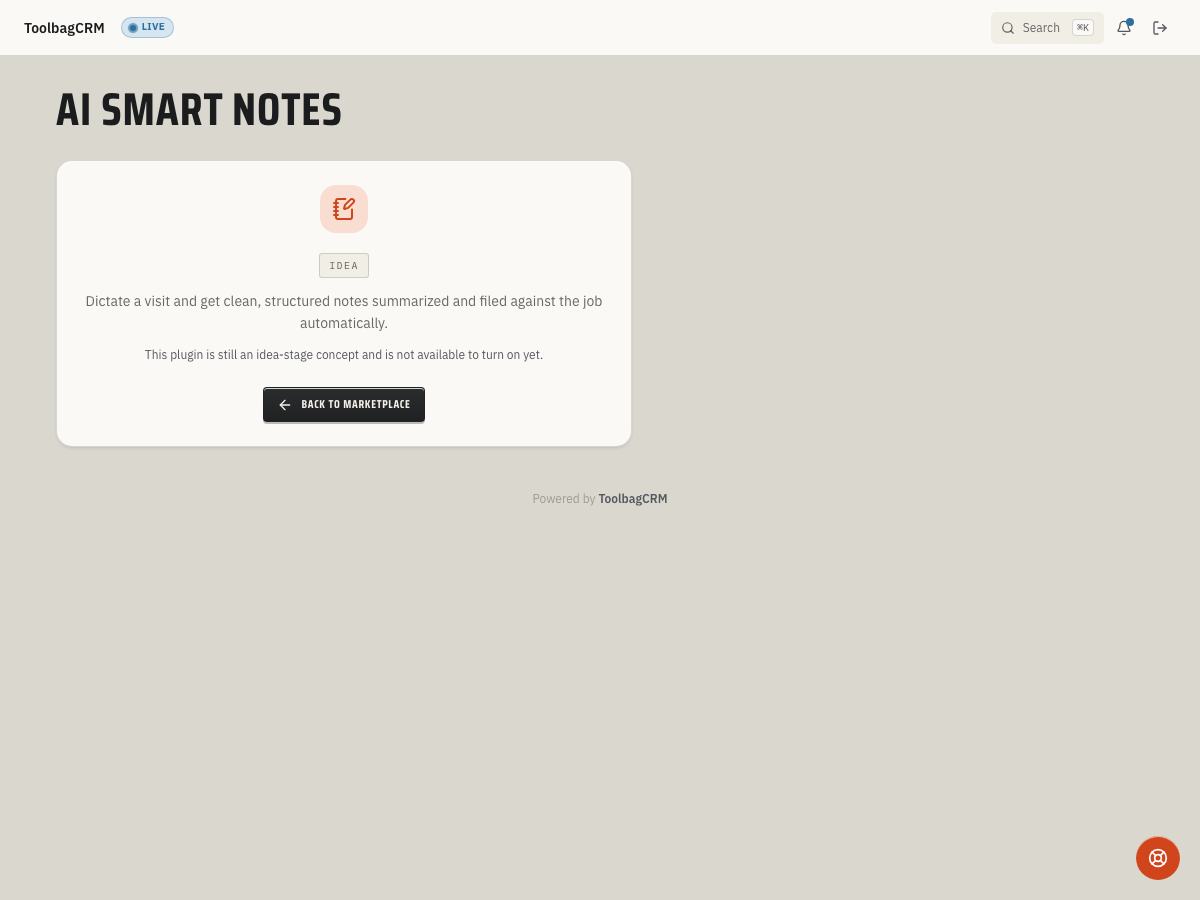
AI Smart Notes will help field and office teams turn visit notes, job conversations, and customer details into cleaner follow-up records inside ToolbagCRM.
Accounts without the active AI Smart Notes workspace will see an idea-stage placeholder. The planned workflow saves raw note text with optional job or customer links, then returns structured summary and follow-up fields when that workflow is available. Until the public UI ships, use normal job notes, customer notes, documents, or task follow-ups for production work.
When to use this
Use AI Smart Notes once it is available when technicians or office staff need a faster way to capture messy conversation notes and turn them into searchable, structured follow-up material.
Good fits include:
- Summarizing a job-site walkthrough after a technician dictates notes.
- Capturing customer preferences, access instructions, or site conditions from a call.
- Turning free-form visit notes into follow-up reminders for estimates, repairs, or office review.
- Keeping job and customer context together instead of leaving action items in personal notebooks or text threads.
Before rollout
Prepare these pieces before enabling the workflow for the team:
- Decide which notes are safe to summarize with AI assistance and which sensitive details should stay out of dictated notes.
- Create a review rule: a human should read and correct AI-generated summaries before relying on them for customer communication or job decisions.
- Confirm how your team will link notes to jobs and customers so summaries are filed in the right place.
- Train staff to keep raw notes factual, avoid unnecessary personal information, and call out promised follow-ups clearly.
Planned workflow
Once the UI is available, expect the workflow to look like this:
- Open the AI Smart Notes workspace from ToolbagCRM.
- Add or dictate raw note text from a job, call, or customer conversation.
- Link the note to the related job or customer when that context is known.
- Review the generated structure, summary, and suggested follow-ups.
- Correct the summary before using it in customer-facing communication or internal handoff notes.
- Move any action items into the normal task, estimate, job, or customer follow-up workflow.
Tips
- Always review the AI summary before sharing it. The generated text is a starting draft, not a final record. Correct wrong names, addresses, amounts, equipment details, or promises before the summary reaches a customer or office handoff.
- Keep raw notes factual and specific. The AI works best when the input includes concrete details — equipment model numbers, what the customer reported, what the technician observed — rather than vague impressions or opinions.
- Link every note to the correct job or customer. Summaries are only useful later if they are filed in the right place. When dictating from a job site, attach the note to that job immediately instead of relying on memory to match it up.
- Do not include sensitive personal information in dictated notes. Financial account numbers, medical details, or personal identifiers should not go through AI summarization. Keep raw notes limited to business-relevant facts.
- This is a premium feature. AI Smart Notes requires a premium plan. If the feature does not appear in your account, check your subscription tier with your account administrator.
- Empty notes are not accepted. Blank submissions are rejected with a validation error. Make sure the raw text has real content before submitting.
Human review rules
AI Smart Notes should speed up documentation, not replace judgment. Review for:
- Wrong customer, job, address, amount, date, or equipment details.
- Promises the company did not actually make.
- Missing safety, access, warranty, or payment details.
- Sensitive information that does not belong in a shared job record.
- Follow-ups that need a real task, estimate, or scheduled visit.
Current availability
Accounts without the active AI Smart Notes workspace will still see an idea-stage placeholder. The active settings page and note-entry screen are not generally available yet, so treat this as preview guidance until ToolbagCRM exposes the finished UI.
Troubleshooting
I only see an idea-stage screen
That is expected during the idea stage. The feature is not generally available yet, so use the existing job, customer, document, or task workflows for production notes.
I need to capture notes today
Use the existing job, customer, document, or task workflows your account already relies on. Do not wait for AI Smart Notes to capture critical customer commitments, warranty details, safety issues, or payment notes.
The AI summary looks wrong after release
Keep the raw note, correct the summary before sharing it, and move important follow-ups into normal ToolbagCRM workflows. AI-generated text should be treated as a draft for review.