
Developer Platform
Developer Platform connects ToolbagCRM to outside tools with signed outbound webhooks. It is useful for teams that want customer and job events sent to Zapier, n8n, dashboards, or internal apps while keeping office staff out of copy-and-paste work.
Availability
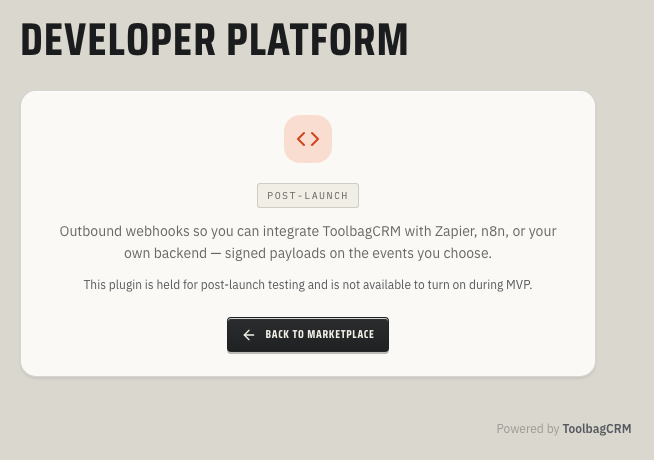
Developer Platform is a public-preview utility plugin. Dev and production accounts expose the webhook management page at Settings → Developer Platform after the plugin is enabled. Accounts without live webhook delivery enabled may still show a coming-soon teaser because preview-only workspaces do not send real webhook deliveries to outside endpoints.
When to use this
Use Developer Platform when you want ToolbagCRM to notify another system as soon as important work changes. Common examples include:
- sending new or updated customer records to an internal database;
- posting completed jobs into a reporting or commission workflow;
- triggering a Zapier, Make, n8n, or custom automation from ToolbagCRM activity;
- keeping a dispatch board, BI dashboard, or legacy system in sync.
Before you start
- Confirm Developer Platform is included in your ToolbagCRM plan.
- Open Settings → Features and make sure Developer Platform is enabled.
- Have a secure HTTPS endpoint ready. Localhost, private network URLs, and non-HTTPS endpoints are blocked for safety.
- Decide which events your endpoint should receive before adding it.
- Make sure someone technical can verify signatures and monitor delivery failures on the receiving system.
Add a webhook endpoint
- Go to Settings → Developer Platform.
- Select Add endpoint.
- Enter a clear endpoint name and the HTTPS URL that should receive events.
- Choose the events to send. The first preview set focuses on customer and job events such as customer created, customer updated, job created, and job completed.
- Save the endpoint.
- Copy and store the signing secret wherever your receiving app verifies requests. Treat it like a password.
- Use Send test to confirm your endpoint receives and accepts ToolbagCRM's signed payload.
ToolbagCRM sends a JSON payload with the event id, event type, creation time, event data, and a tenant account identifier for the ToolbagCRM account that produced the event. Delivery requests include Toolbag headers for the event name, delivery id, and HMAC signature so your endpoint can verify that the request really came from ToolbagCRM.
Event catalog and signed delivery details
The current preview event catalog includes four customer and job events:
customer.created— a new customer was added.customer.updated— a customer's details changed.job.created— a new job was created.job.completed— a job was marked completed.
Every outbound request is sent as a signed JSON POST. Your endpoint should read the raw request body and verify:
X-Toolbag-Eventfor the event key, such ascustomer.created.X-Toolbag-Deliveryfor the unique delivery id.X-Toolbag-Signature, formatted ast=<timestamp>,v1=<signature>.
Compute the HMAC-SHA256 signature over timestamp + "." + rawBody with the endpoint's signing secret. Do the verification before trusting the payload data, then return a 2xx response once your system has accepted the event.
Monitor deliveries
After an endpoint is active, check its delivery history when an integration appears delayed or broken. Delivery history helps you see whether ToolbagCRM sent the event, whether the outside endpoint responded successfully, and whether a retry is still pending.
ToolbagCRM retries failed webhook deliveries with background backoff. A single delivery can be attempted up to eight times. If an endpoint has repeated delivery failures, ToolbagCRM can disable the subscription automatically after fifteen consecutive failed deliveries so a broken integration does not continue hammering the receiving system. Fix the endpoint, then reactivate or replace the webhook subscription.
Tips
- Start with one non-critical endpoint before wiring webhooks into billing, payroll, or customer messaging.
- Use a dedicated endpoint per workflow so failures are easier to diagnose.
- Keep the receiving service idempotent. The same delivery can be retried after a timeout.
- Rotate a webhook secret if it is exposed outside the integration team.
- Keep a short runbook that says who owns each endpoint and what should happen when deliveries fail.
Troubleshooting
I only see a coming-soon screen
That is expected for preview-only workspaces. ToolbagCRM intentionally keeps outbound webhook delivery disabled where live deliveries cannot be sent safely. Use a dev or production ToolbagCRM account when you are ready to configure and test live delivery.
My endpoint will not save
Check that the URL starts with https://, is publicly reachable, and is not a private network or localhost address. ToolbagCRM blocks unsafe webhook destinations to protect customer data and connected systems.
My endpoint receives requests but rejects them
Verify your signature check uses the Toolbag signing secret for that endpoint. Also confirm your server reads the raw request body before computing the HMAC signature; changing whitespace or parsing/re-stringifying JSON before verification can cause a mismatch.
I expected invoice or payment events
The current preview focuses on customer and job events that fire reliably end-to-end. Invoice, payment, and quote events are planned for a later event-catalog expansion once those write paths consistently publish plugin events.