
AI Sales Coach (Idea)
Idea stage: AI Sales Coach is a concept and is not available to turn on yet. This guide describes planned behavior and may change before release.
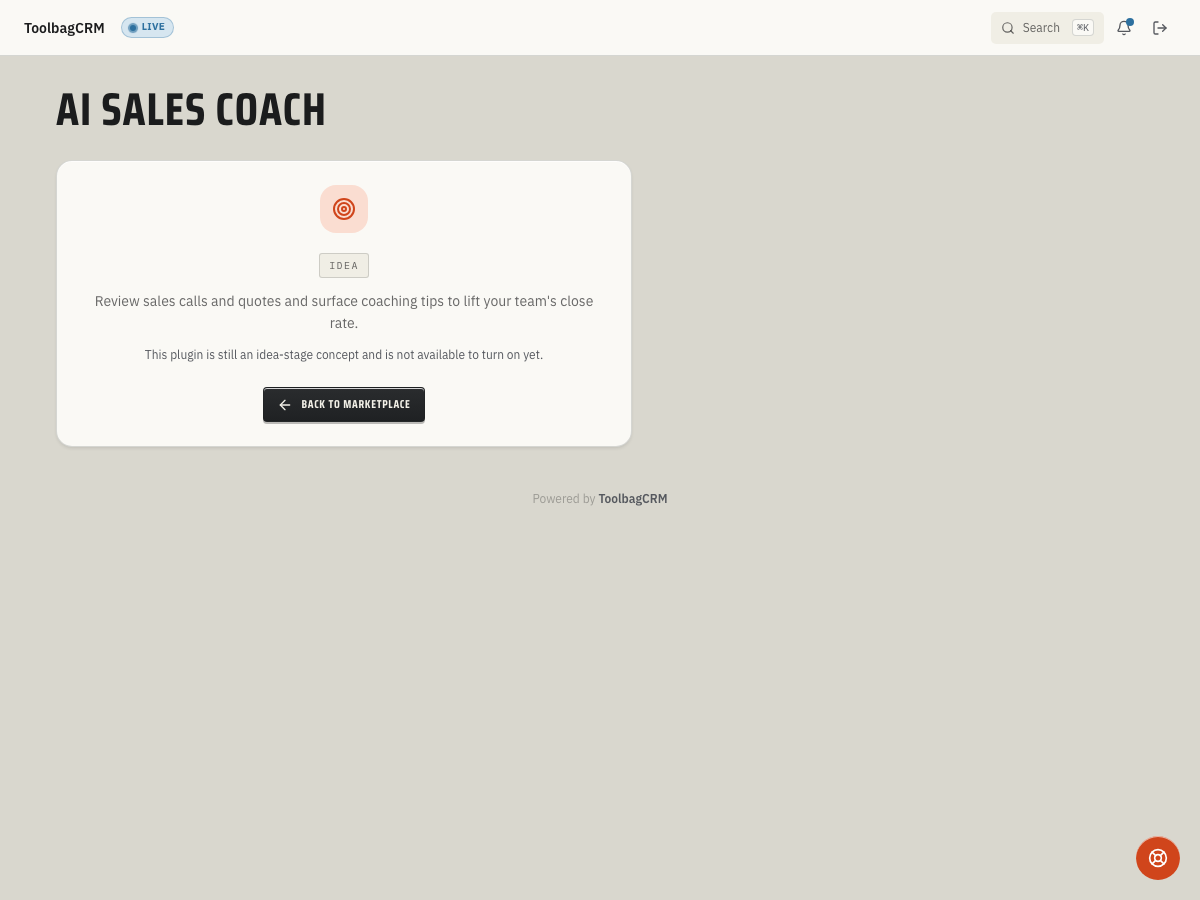
AI Sales Coach will help your team review sales calls, estimate conversations, and quote follow-ups so managers can spot coaching opportunities before deals go cold.
When to use this
Use AI Sales Coach when your office wants a repeatable way to review rep conversations, compare quote follow-up quality, and turn wins or missed opportunities into coaching notes. It is meant for sales managers, owners, and team leads who need a quick view of where a technician or comfort advisor may need help with talk tracks, objection handling, or next-step discipline.
Until the full workflow is available in the public UI, keep using normal call notes, quote notes, tasks, and manager reviews as the source of truth.
Before you start
- Confirm AI Sales Coach is included in your plan .
- Keep Team records current so future reviews can be tied back to the right rep or technician.
- Decide which conversations should be reviewed: inbound sales calls, estimate presentations, quote follow-ups, or lost-deal reviews.
- Set expectations with the team that AI suggestions should support manager review, not replace human judgment.
Planned workflow
The planned preview workflow stores review notes for a specific team member and can list reviews by that team member. The public customer workflow is still idea stage, but the intended operating pattern is:
- Choose the rep, technician, or advisor whose conversation should be reviewed.
- Add the call transcript, estimate notes, or quote follow-up notes for that interaction.
- Review the coaching output when the feature is available, including strengths, improvement areas, and suggested follow-up actions.
- Use the review in a one-on-one or sales meeting, then assign any next steps through your normal ToolbagCRM task or quote follow-up process.
- Revisit the same rep's recent reviews to identify repeated issues or improvement trends.
What to prepare now
- Standardize where your team records sales-call notes and quote follow-up notes.
- Keep quote outcomes current so managers can compare coaching notes with real close results.
- Create a short internal rubric for what “good” looks like: discovery questions, problem recap, clear pricing explanation, urgency, and next appointment or approval step.
- Decide who can submit conversations for review and who can see coaching feedback.
Tips
- Start with one sales role or branch before rolling the workflow out company-wide.
- Use coaching reviews for patterns, not one-off blame. Look for repeated missing next steps, unclear pricing explanations, or weak follow-up timing.
- Keep sensitive customer details out of pasted notes unless your account policy allows them.
- Compare coaching themes with quote close rate, callback rate, and customer feedback before changing scripts.
Troubleshooting
I only see an Idea screen
That is expected during the idea stage. Accounts without the active AI Sales Coach workspace will see an idea-stage placeholder until the review workspace and settings screen are generally available.
A review is not visible for the right person
When the workflow becomes available, make sure the review is tied to the correct team member. Reviews are organized by team member, so reviews without the right team association may not appear in that person's history.
Scores or suggestions look incomplete
Treat early AI coaching output as draft guidance. A manager should still read the original conversation notes, confirm the context, and decide which feedback is appropriate before coaching the employee.