
Pool & Spa (Idea)
Idea stage: Pool & Spa is a concept and is not available to turn on yet. This guide describes planned behavior and may change before release.
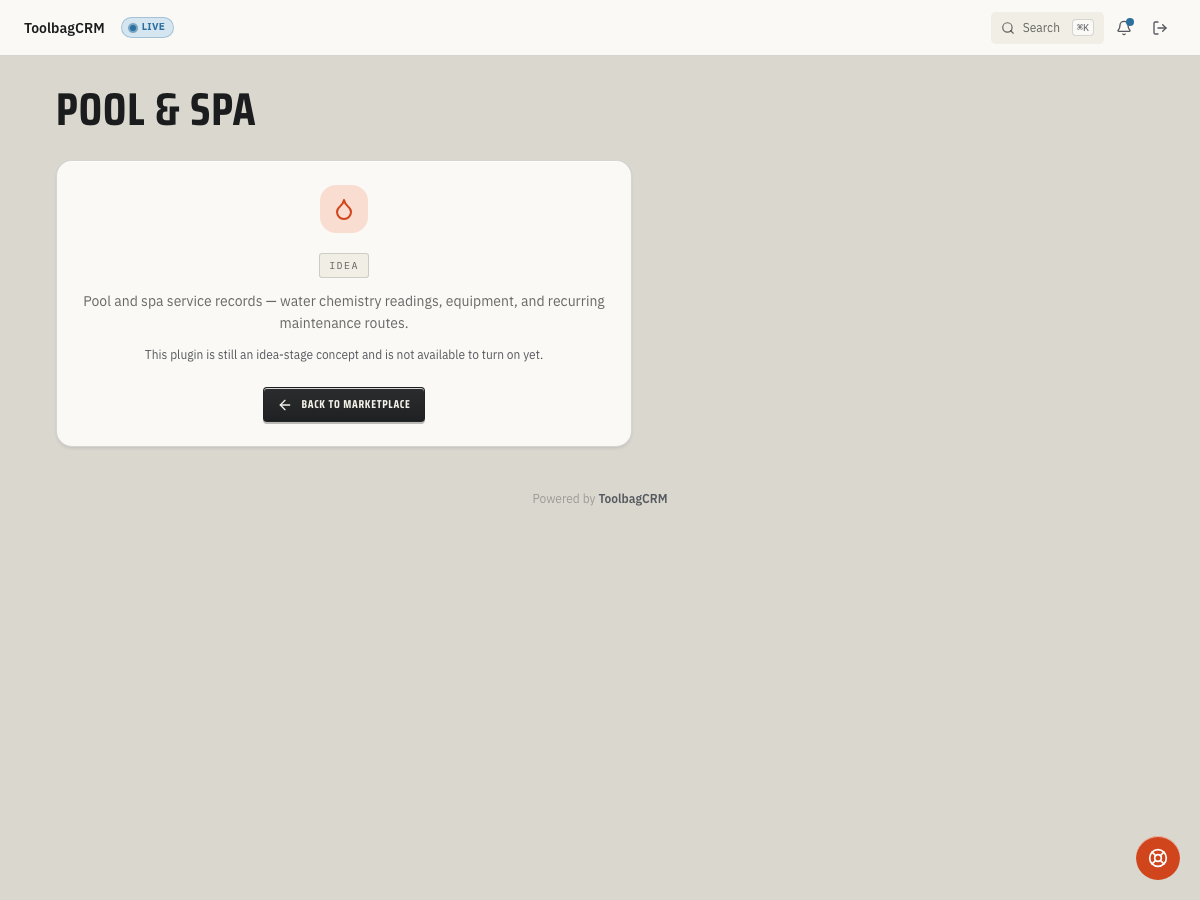
Pool & Spa is planned for pool-service and spa-service teams that need to keep customer pool records, chemistry readings, and recurring maintenance context close to the job record.
When to use this
Use Pool & Spa when your team services pools, spas, or swim spas and needs a simple record of:
- Which customer owns each pool or spa.
- Pool type, approximate gallons, surface material, and sanitizer system.
- Recent water chemistry readings for the service history.
- Recommendations or notes that should be visible before the next maintenance visit.
Before you start
- Treat the feature as idea stage until your account shows the full Pool & Spa workspace.
- Make sure Customers and Jobs are available in your account; the plugin depends on both.
- Decide how your team names pools and spas, especially for customers with more than one body of water.
- Keep using your current field checklist until the full ToolbagCRM workflow is enabled for your workspace.
Planned workflow
When the plugin becomes available, the planned workflow is:
- Open the Pool & Spa workspace.
- Add a pool or spa for the customer.
- Enter the nickname, pool type, approximate gallons, and optional equipment details such as surface material or sanitizer system.
- Record chemistry readings after a service visit.
- Review recent readings before the next job so the technician can spot trends or repeat issues.
Chemistry readings
The planned reading log supports common water-care fields:
- pH
- Free chlorine and total chlorine
- Alkalinity
- Cyanuric acid
- Calcium hardness
- A recommendation summary or service note
These fields are useful for documenting what the technician measured and what action they recommended. The active reading-entry screen is not available in customer workspaces yet, so this page does not include a fabricated form screenshot.
Tips
- Name each pool or spa with a clear nickname such as
Backyard poolorGuest house spa. When a customer has multiple bodies of water, descriptive names prevent technicians from logging readings against the wrong record. - Record the test source device (test strip, digital probe, or lab kit) when entering readings. Different methods have different accuracy, and knowing the source helps senior techs interpret trends over time.
- Log chemistry at every visit, even when readings are normal. The chemistry-trend chart works best with consistent data; gaps make it harder to spot drift before it becomes a problem.
- Review dosing recommendations before applying chemicals. The planned recommendation engine factors in pool volume, sanitizer type, and current readings. Verify the suggestion makes sense for the specific pool before adding chemicals.
- Mark commercial pools as commercial. Commercial pools trigger health-department compliance logging and out-of-range chemistry alerts. If a pool is inspected by a health department, flag it so the compliance-log export is available.
- Use seasonal events for openings and closings. Scheduling open/close events in ToolbagCRM keeps the maintenance calendar in one place and helps the team plan ahead rather than reacting to the first cold snap or spring rush.
Current availability
Accounts without the active Pool & Spa workspace still see an idea-stage placeholder. The preview includes a marketplace card in Settings → Features, but the customer-facing workspace is not generally available yet.
If you see the idea-stage screen, that is expected. Do not replace your current pool-service process until your ToolbagCRM account shows the enabled workspace.
Troubleshooting
I only see an Idea message
Pool & Spa has not been released for your account yet. Check Settings → Features for the plugin card and confirm with your ToolbagCRM contact before training the team on it.
A customer has more than one pool or spa
Use clear nicknames, such as Backyard pool, Guest house spa, or Community lap pool, so office staff and technicians can select the right record later.
A technician needs to enter readings from the field
Keep capturing readings in your current field workflow until the ToolbagCRM Pool & Spa workspace is enabled. Once available, readings should be recorded against the customer’s pool or spa record so the history stays with the job context.