
Recurring Invoices (Coming Soon)
Coming Soon: Recurring Invoices is a public-preview plugin and is not generally available in ToolbagCRM accounts yet. Accounts without the active Recurring Invoices workspace will show a coming-soon placeholder, so use this guide to plan repeating billing before the full workflow is released.
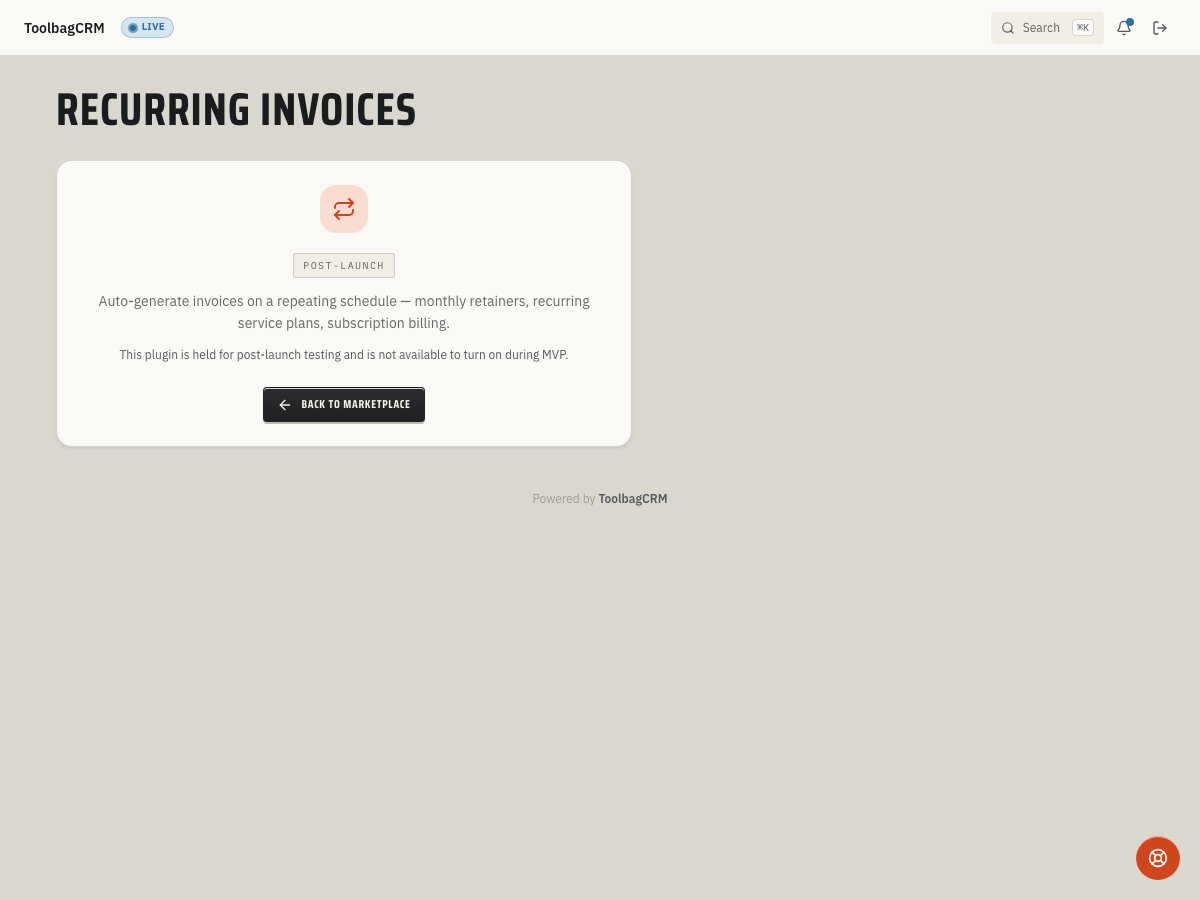
Recurring Invoices will help you set up repeating customer billing for retainers, maintenance agreements, subscription services, and other work that should invoice on a schedule without rebuilding the same invoice every month.
When to use this
Use Recurring Invoices when customers buy the same service on a predictable cadence, such as:
- Monthly service retainers.
- Quarterly preventive maintenance.
- Annual inspection or membership renewals.
- Custom billing schedules for long-running contracts.
The plugin is intended for billing workflows that need the same line items, customer, cadence, and invoice timing to repeat until the agreement is paused, cancelled, completed, or reaches an end date.
Before you start
- Confirm Recurring Invoices is included in your plan once it becomes available.
- Make sure Customers and Invoices are enabled, because recurring agreements need a customer and generate invoice records.
- Decide which team members can create, pause, resume, cancel, or force-generate recurring invoices.
- Review the customer agreement so the start date, end date, billing day, and line items match what was sold.
Planned workflow
When the plugin is released, the expected workflow is:
- Open Recurring Invoices.
- Create a recurring agreement for the customer.
- Choose the cadence: Monthly, Quarterly, Annual, or a custom interval.
- Set the billing day and how many days in advance the invoice should be generated.
- Add the invoice line items, quantities, unit prices, tax behavior, and notes.
- Save the agreement.
- Review upcoming cycles and generated invoices from the agreement history.
Recurring agreements can be created manually, and the underlying plugin model also allows agreements to be tied back to related workflows such as membership plans, maintenance contracts, financing, or external sources as those integrations roll out.
Managing billing cycles
Recurring Invoices is designed around agreement cycles. A cycle represents one billing period, with its own period start, period end, generation due date, and invoice status.
Managers should be able to:
- See upcoming cycles before invoices are generated.
- Generate the next due invoice immediately when needed.
- Skip a single scheduled cycle without cancelling the whole agreement.
- Pause an agreement until a resume date.
- Resume a paused agreement.
- Cancel an agreement and keep the reason for future reference.
What the dashboard should show
The planned reporting model includes:
- Active and paused agreement counts.
- Monthly recurring revenue and annual recurring revenue estimates.
- Cycles due in the next seven days.
- Cycles generated this month.
- Cycles that failed to generate this month.
Use these metrics to spot agreements that need attention before customers miss an invoice or the office has to chase billing manually.
Tips
- Start with one agreement type, such as monthly maintenance, before rolling recurring billing out to every customer segment.
- Keep agreement names plain and searchable, for example
Quarterly HVAC maintenance. - Use notes to record contract details that should be visible to office staff before the next invoice is generated.
- Review upcoming cycles weekly so billing issues are caught before invoices go out.
Troubleshooting
I do not see Recurring Invoices
The plugin is still marked as coming soon in the public app. If it appears in your account later, open Settings → Features and confirm it is enabled for your plan.
A customer is missing from the agreement form
Recurring agreements depend on customer records. Add or reactivate the customer first, then return to the recurring agreement.
A generated invoice does not look right
Review the agreement line items, taxable setting, billing cadence, and bill-advance days before the next cycle runs. If the invoice has already been sent, correct the invoice according to your normal billing process and update the agreement so future cycles are accurate.
One billing period should not be charged
Skip the individual cycle instead of cancelling the full agreement. Use cancellation only when the recurring billing arrangement has ended.