
Jobs
Jobs represent the work your team performs for a customer. Use Jobs to track the job name, customer, schedule, assigned team, and current status from first intake through completion.
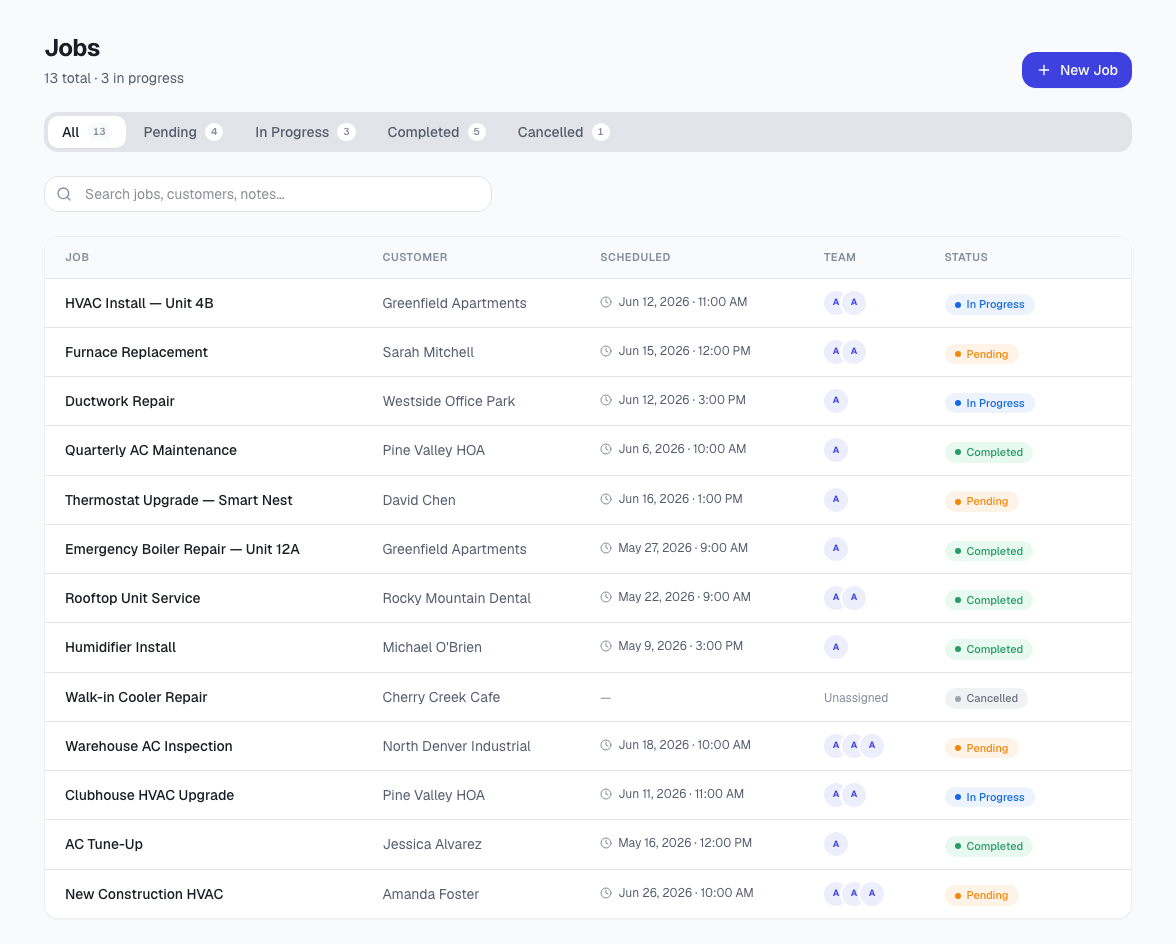
What the jobs list shows
- Job name and customer.
- Scheduled date and time when available.
- Assigned team members.
- Job status such as pending, in progress, completed, or canceled.
How jobs fit the workflow
A job usually starts after a lead, service request, or accepted estimate. From there, the job becomes the operating record for scheduling, field notes, photos, materials, invoicing, and follow-up work.