
Invoices
Invoices help your office track what has been billed, what has been paid, and what still needs follow-up. ToolbagCRM keeps invoice status visible while accounting stays connected to QuickBooks workflows.
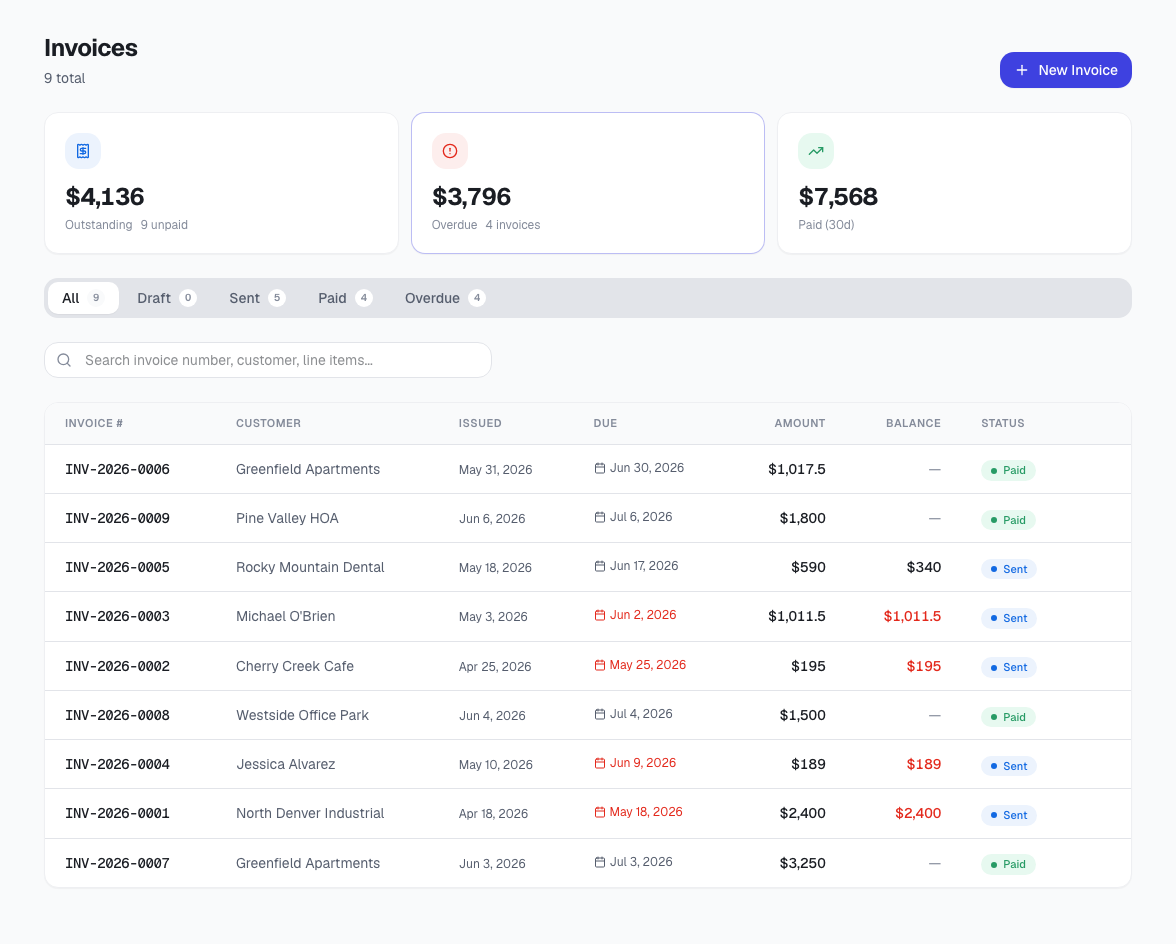
What the invoices list shows
- Invoice number and customer.
- Issue date and due date.
- Invoice amount and balance.
- Status such as paid, sent, draft, or overdue.
How invoices fit with accounting
ToolbagCRM is intended to help contractors run the job workflow while QuickBooks remains the bookkeeping system. Use ToolbagCRM to see what needs action operationally, then keep final accounting records aligned through the connected accounting process.